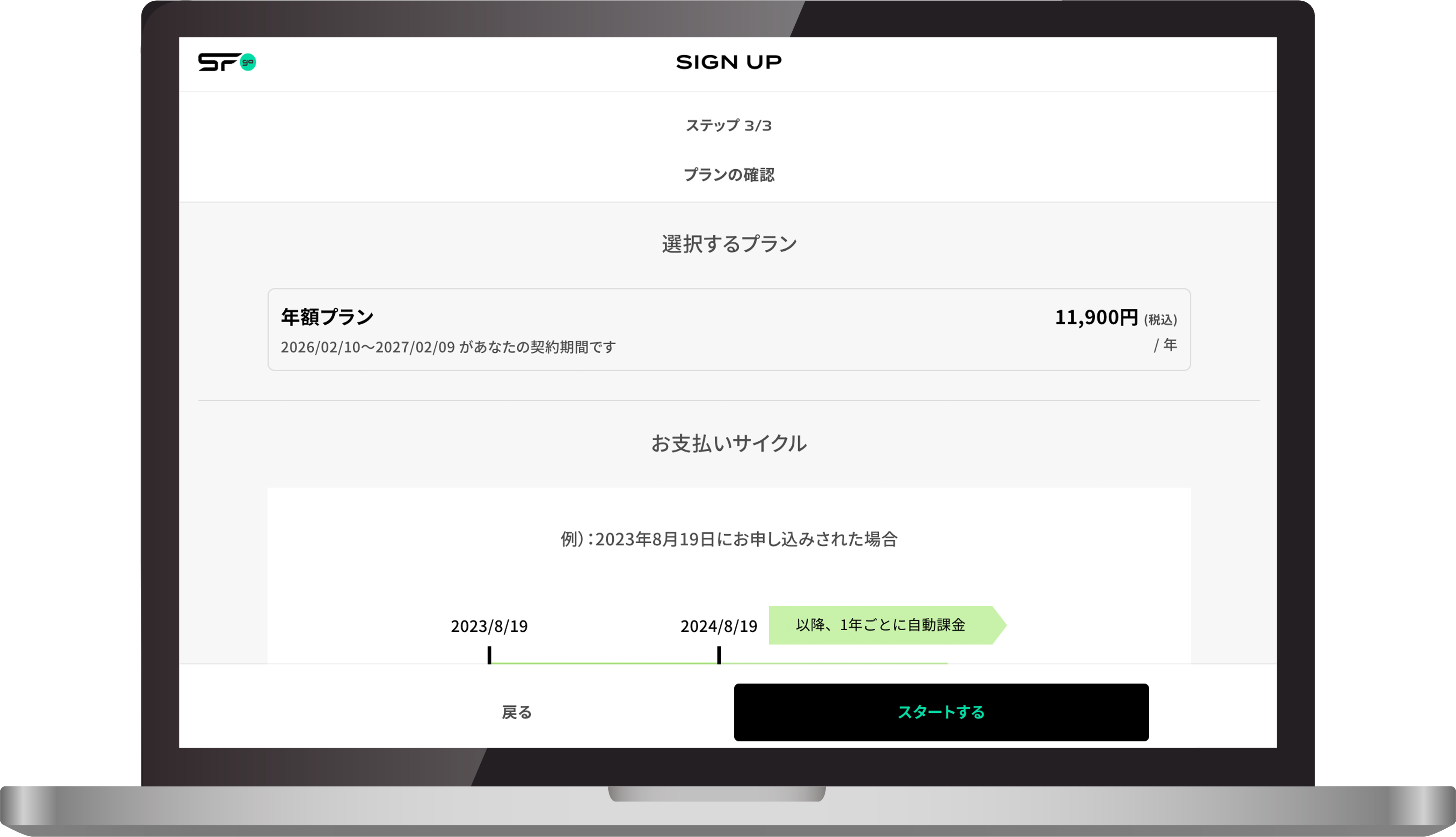
Pricing & Plans
SFgo offers two subscription plans: an Annual Plan and a Monthly Plan.
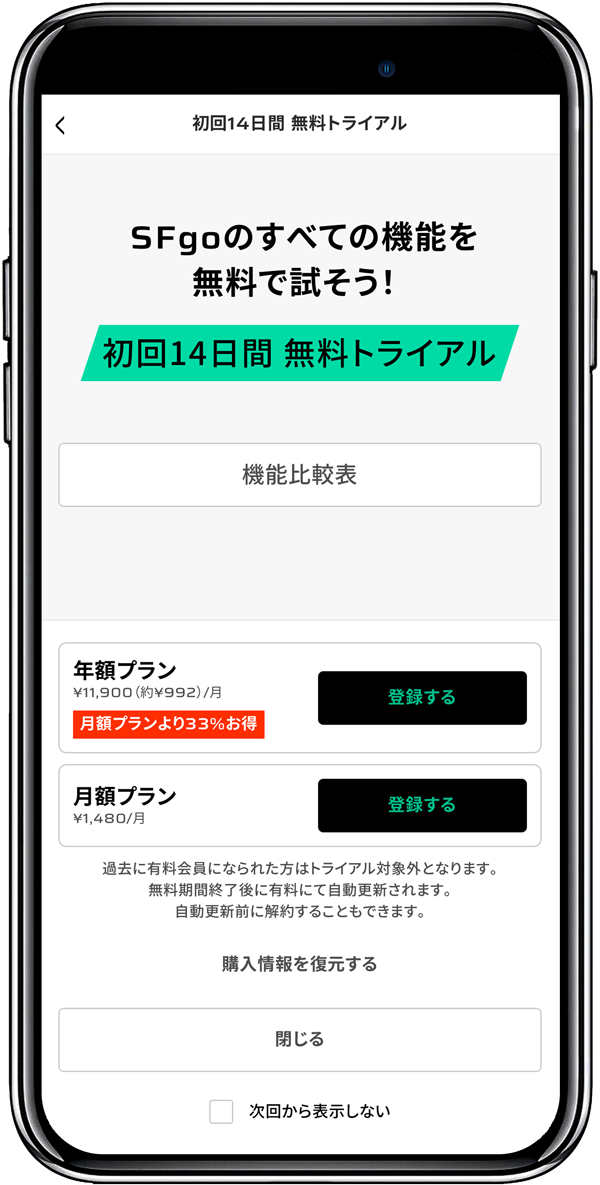
If you register on your smartphone for the first time, you can try either plan free for 14 days.
-
¥ 11,900
/Year -
¥ 1,480
/Month
How to Subscribe for the First Time
- Sign Up via Smartphone
- Sign Up via Website
-
1. Download the SFgo app on your smartphone
-
2. Open the app and tap “Sign Up”
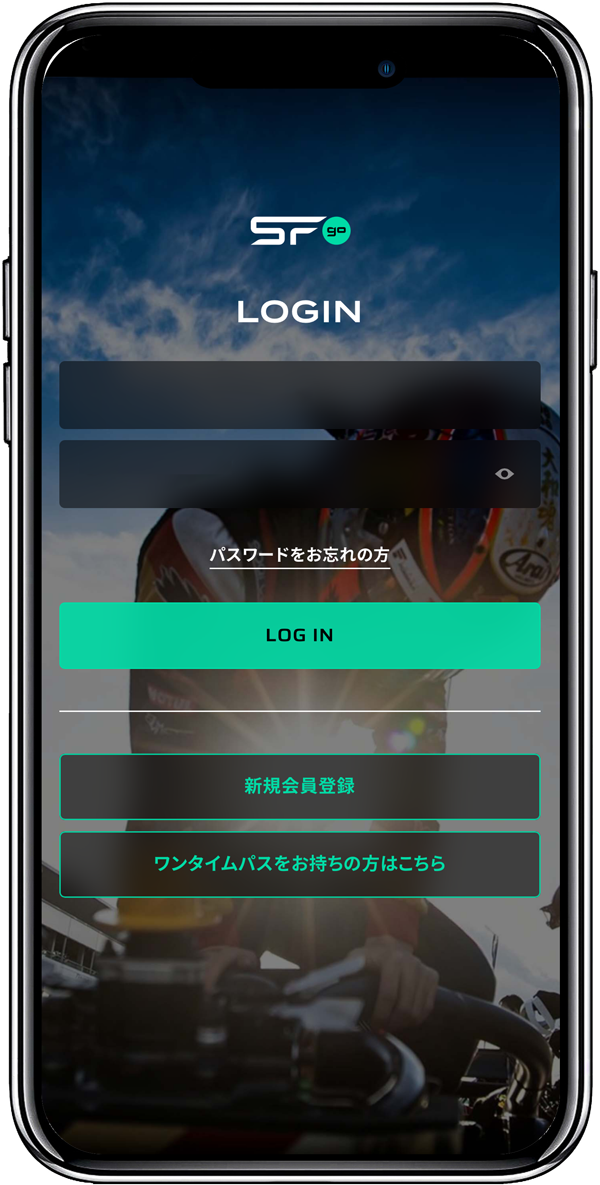
-
3. Enter your email address, or sign up with a Google / Apple account
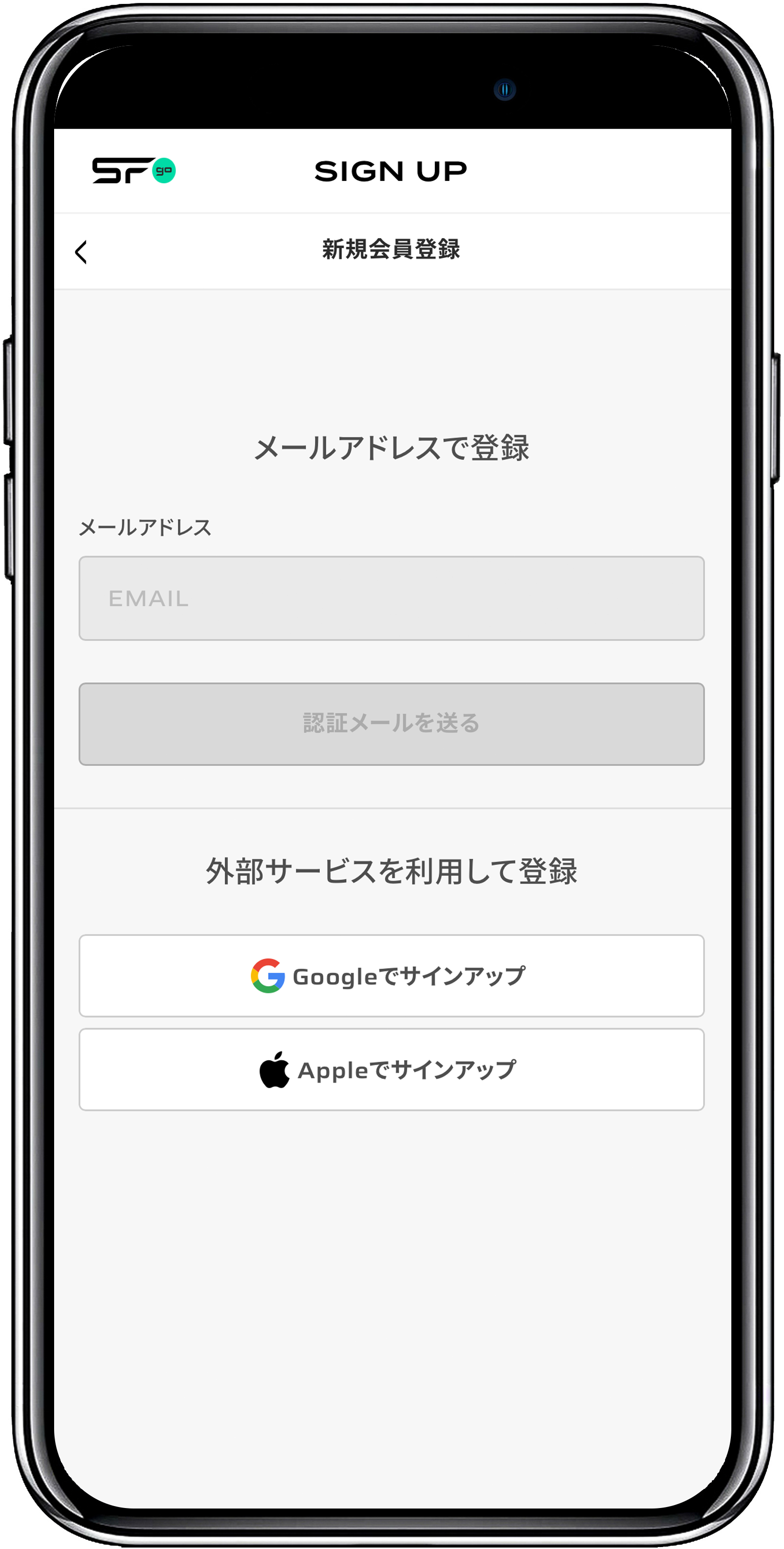
-
4. After email verification, enter your details and tap “Register”
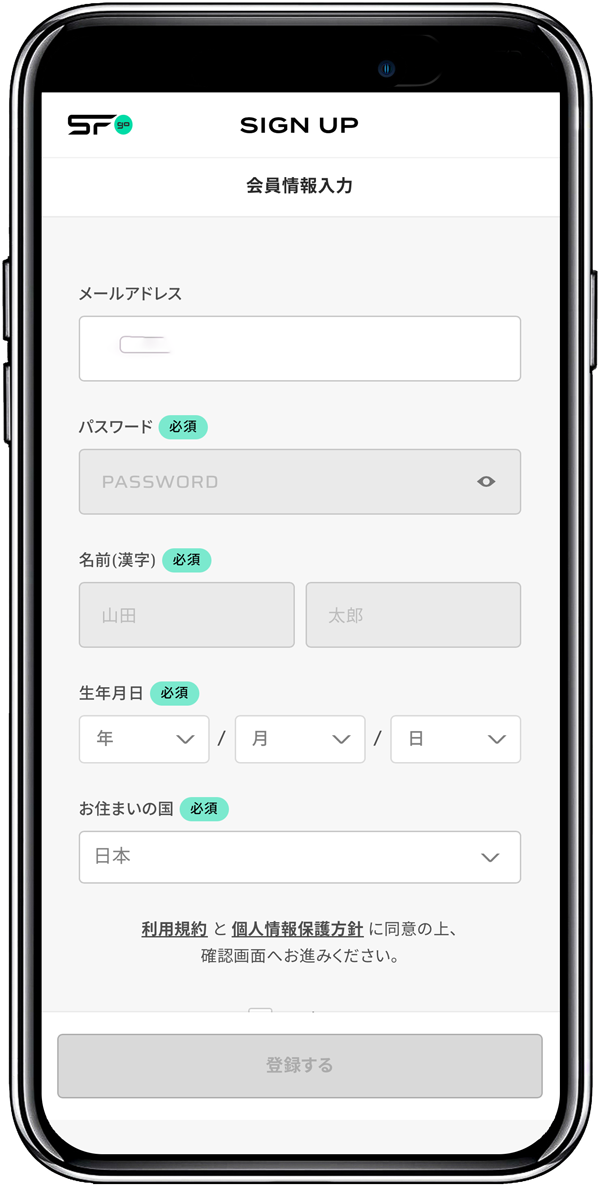
-
5. Log in with your registered email address and password
-
6. Select an Annual Plan or Monthly Plan to complete your subscription. Enjoy SFgo
-
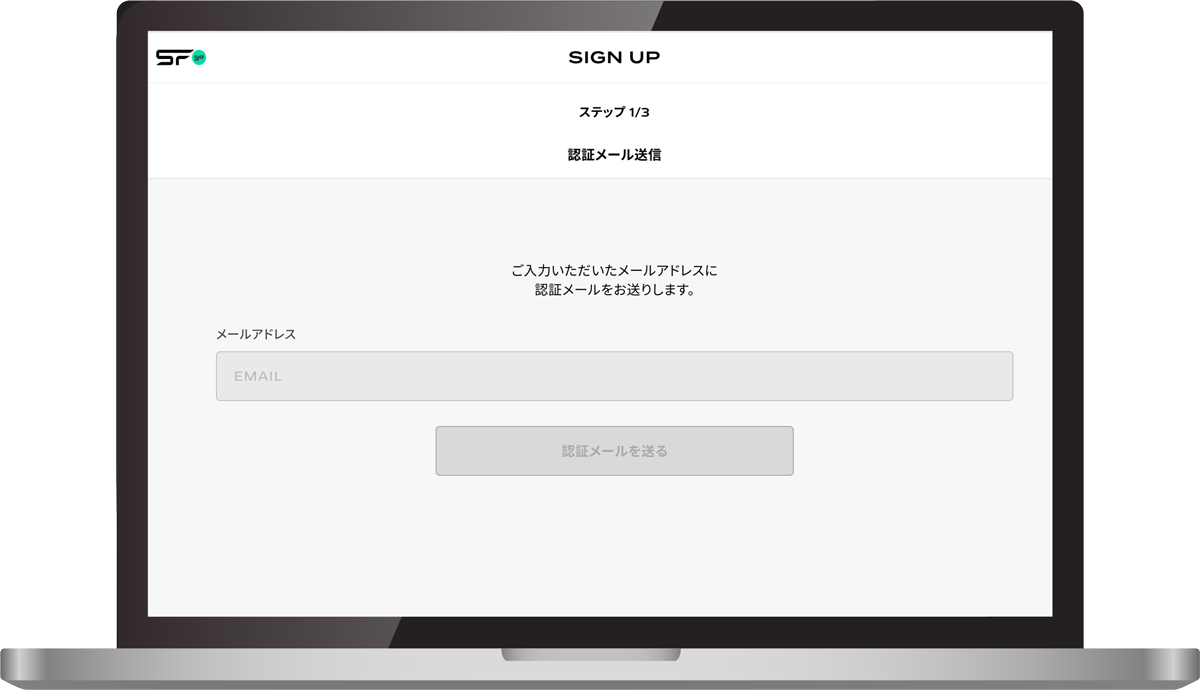
1. Enter your email address
-
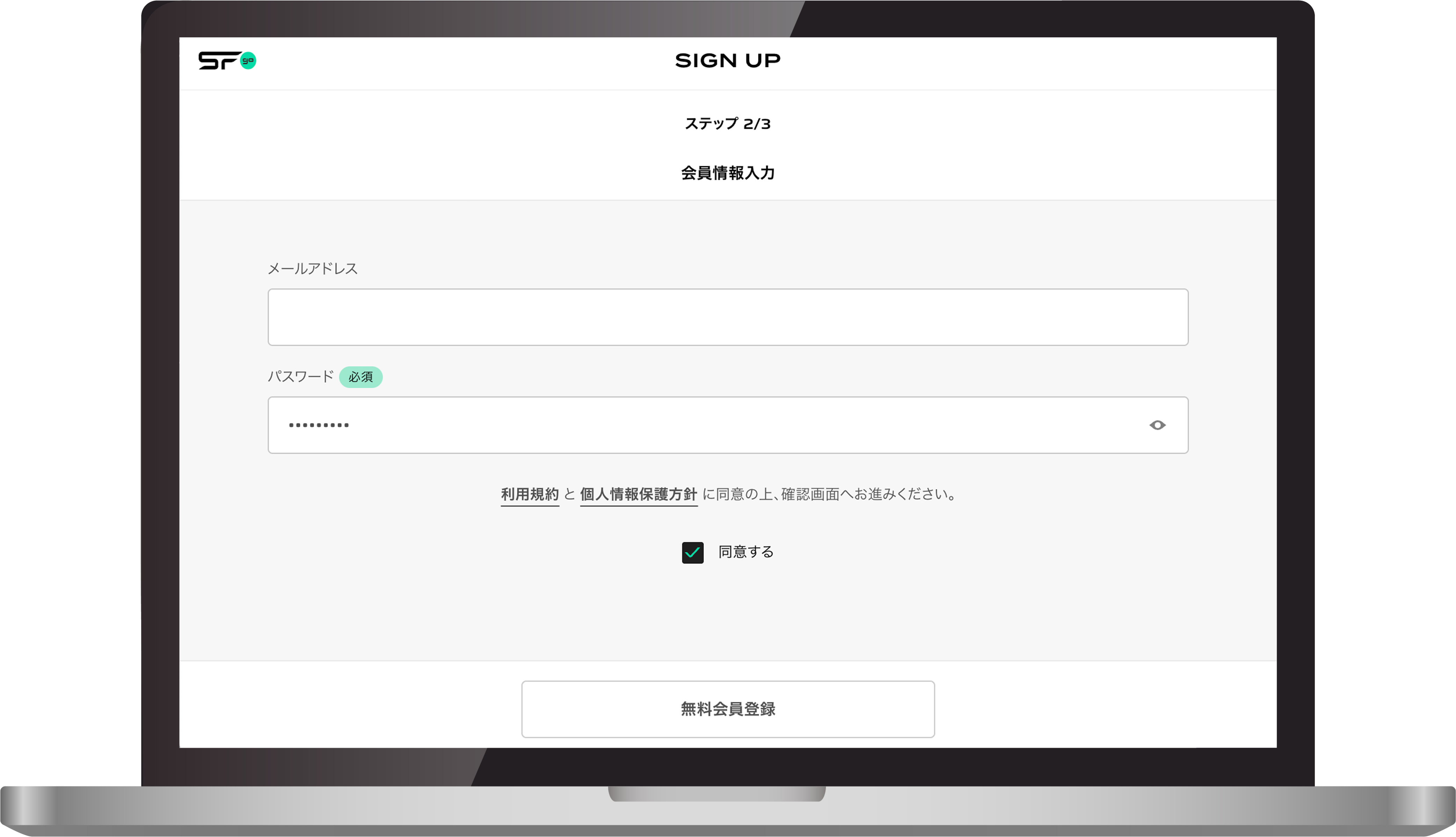
2. After email verification, enter your email address and password, then click “Free Sign Up”
-
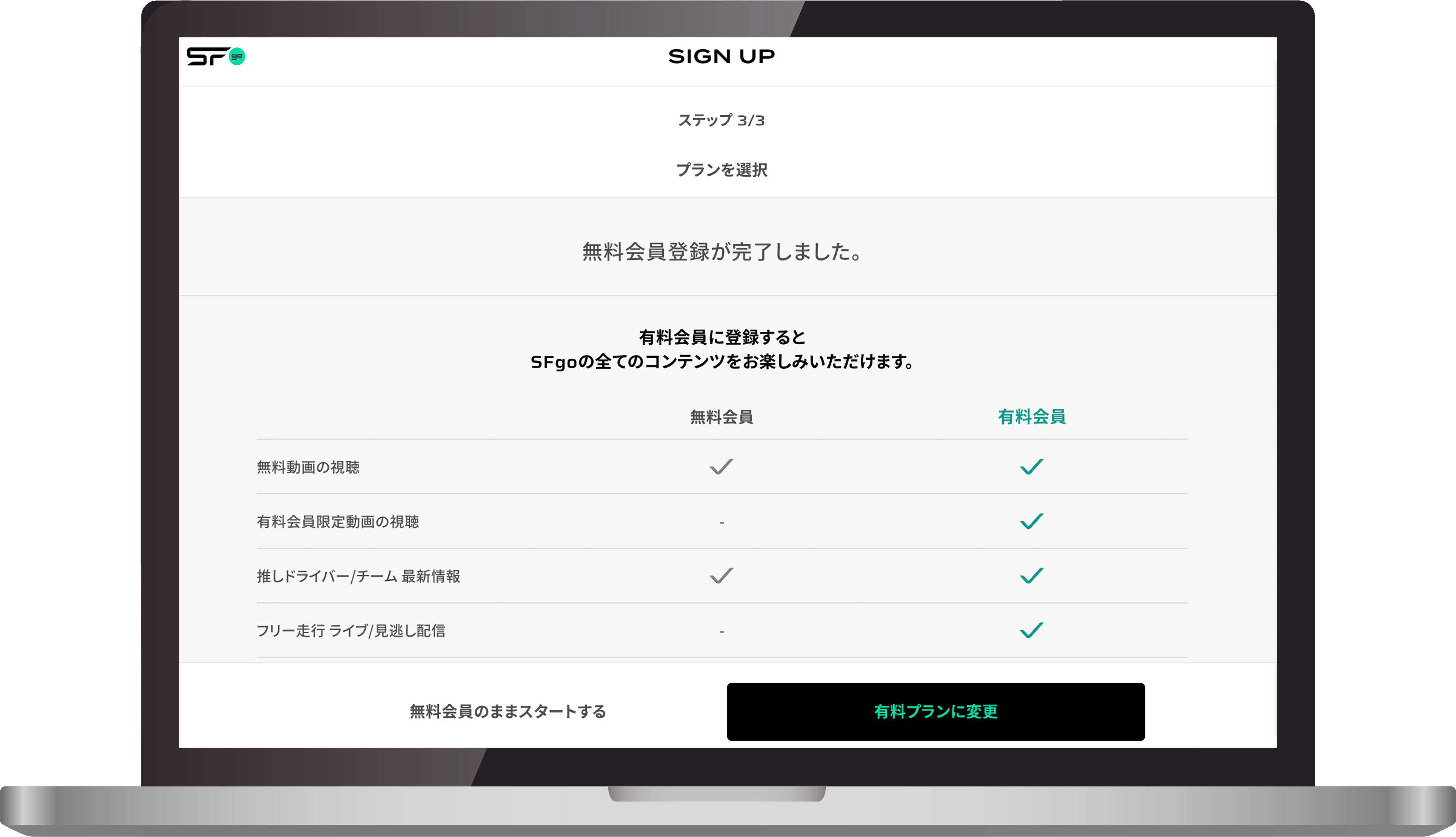
3. Click “Upgrade to a Paid Plan”
-
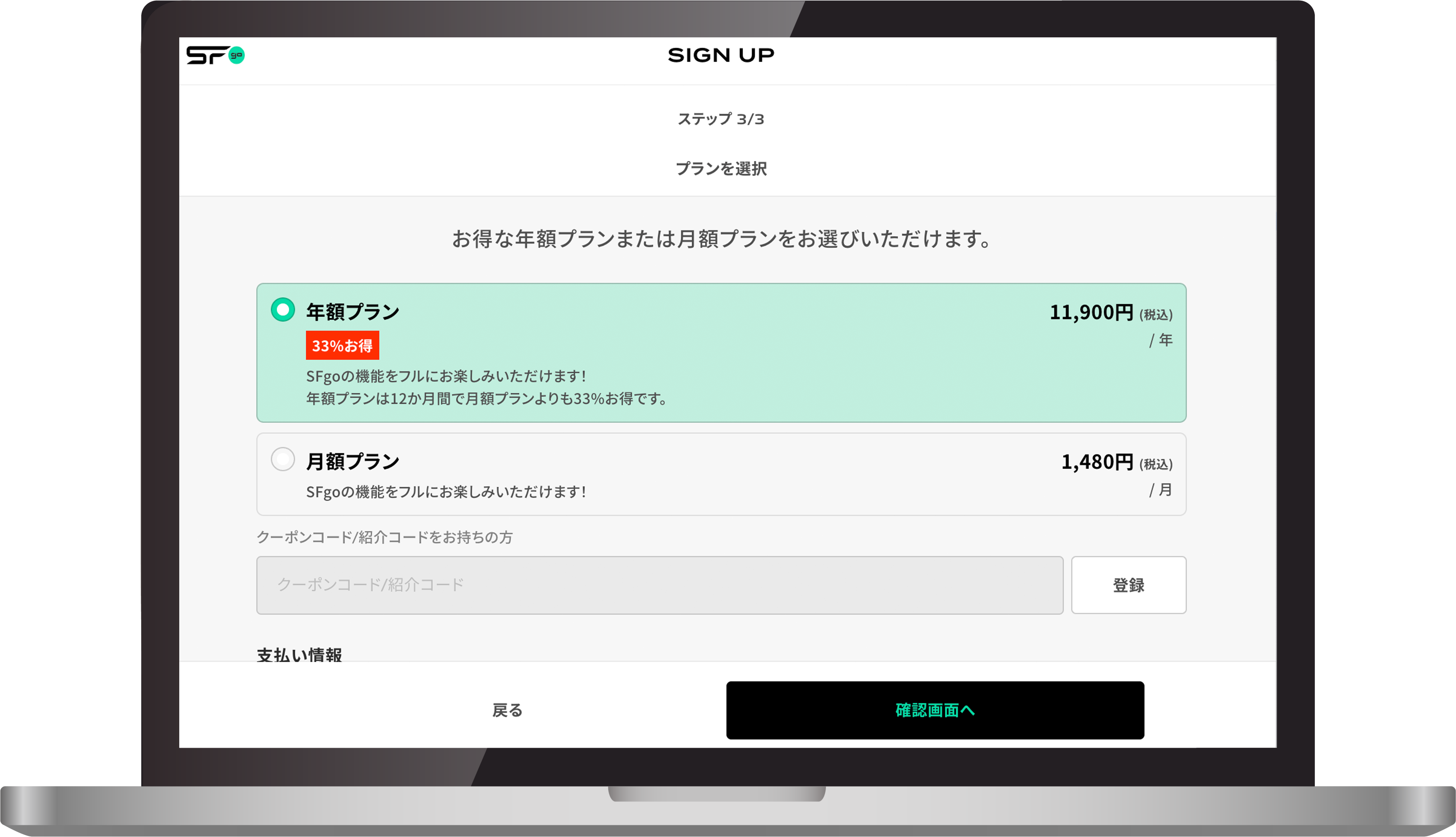
4. Choose an Annual Plan or Monthly Plan, enter your credit card details, and click “Proceed to Confirmation”
-
5. Review the details and click “Start” to complete your subscription. Enjoy SFgo